How to Turn One Podcast Episode into 30+ Pieces of Content
You spent two hours recording a podcast episode. You published it on YouTube and Spotify. Then you moved on.
That is where most brands lose the real value of a podcast. One well-planned episode holds enough ideas, quotes and moments for a full month of content across every platform. The difference between a podcast that grows a brand and one that quietly fades is rarely the recording. It is what happens after it.
This guide shows exactly how to turn one podcast episode into 30+ pieces of content, the workflow we use at StudioYT, and the mistakes that make repurposed content feel recycled instead of fresh.
Why Podcast Repurposing Works
Podcast repurposing works because one long conversation already contains the hardest part of content: real ideas from a real expert. Repurposing just puts those ideas where your audience already spends time.
- Most people will never watch the full episode. A 60-minute episode asks for an hour. A 45-second reel asks for almost nothing, and it can send the right viewers back to the full episode.
- Every platform rewards a different format. Instagram and TikTok reward short vertical video. LinkedIn rewards text posts and carousels. Google rewards written, searchable content. One episode can serve all of them.
- Consistency gets easier. Posting daily is hard when every post starts from a blank page. Repurposing turns one recording session into weeks of planned content.
- It builds search and AI visibility. Video and audio are hard for search engines and AI answer engines to read. A blog post and transcript turn your spoken expertise into text that Google, ChatGPT and Perplexity can find and cite.
- Repetition builds recall. Your audience needs to hear an idea several times before it sticks. Seeing the same insight as a clip, a quote and a carousel reinforces it without feeling repetitive.
The 33 Pieces of Content One Episode Can Become
A single 45–60 minute video podcast episode can realistically produce 33 pieces of content across 11 formats. Here is the full breakdown.
| Content type | Pieces | Best platforms | What it is |
|---|---|---|---|
| Short-form video clips | 10 | Instagram Reels, YouTube Shorts, TikTok, LinkedIn | 30–90 second vertical clips of the strongest moments, with captions and a hook in the first 3 seconds |
| Quote graphics | 5 | Instagram, LinkedIn, X | One sharp line from the guest or host on a branded card |
| LinkedIn text posts | 3 | A single idea from the episode, rewritten as a personal, first-person post | |
| Carousels | 3 | LinkedIn, Instagram | A framework or list from the episode, broken into 6–10 swipeable slides |
| Instagram Stories | 3 | Behind-the-scenes, polls and a “new episode” link sticker | |
| Full video episode | 1 | YouTube | The complete episode with chapters, a strong thumbnail and an SEO title |
| Full audio episode | 1 | Spotify, Apple Podcasts | The audio version with show notes and timestamps |
| Audiograms | 2 | Instagram, LinkedIn, X | A static image or waveform with 30–60 seconds of audio, useful for audio-only moments |
| X threads | 2 | X | A 5–8 post thread summarising the episode’s key lessons |
| Blog post | 1 | Website | A 1,500+ word article built from the episode, optimised for search and AI answers |
| Newsletter | 1 | A short personal note on the episode’s main idea, with a link to listen | |
| Community post or poll | 1 | YouTube, LinkedIn | A question pulled from the episode to spark comments |
That is 33 pieces from one recording. A 90-minute episode or a guest with strong stories can easily produce 40+.
How to Repurpose a Podcast Episode: Step-by-Step Workflow
Good repurposing starts before you press record, not after. At StudioYT we follow Y Theory – Purpose Before Production – so every episode is planned with its clips, posts and blog in mind.
- Define the purpose of the episode. Decide the one idea you want your audience to remember, who it is for and which action you want them to take. Every repurposed piece will point back to this idea.
- Plan the moments in advance. Prepare 3–4 questions designed to produce strong, standalone answers: a bold opinion, a personal story, a simple framework and a common mistake. These become your best clips.
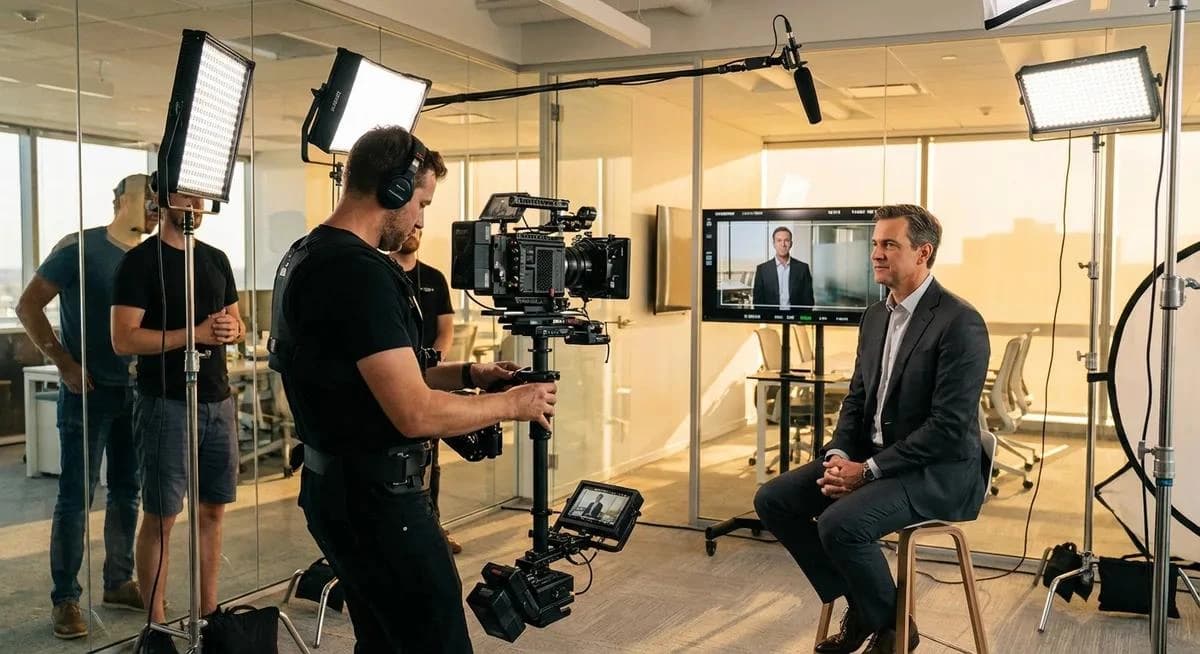
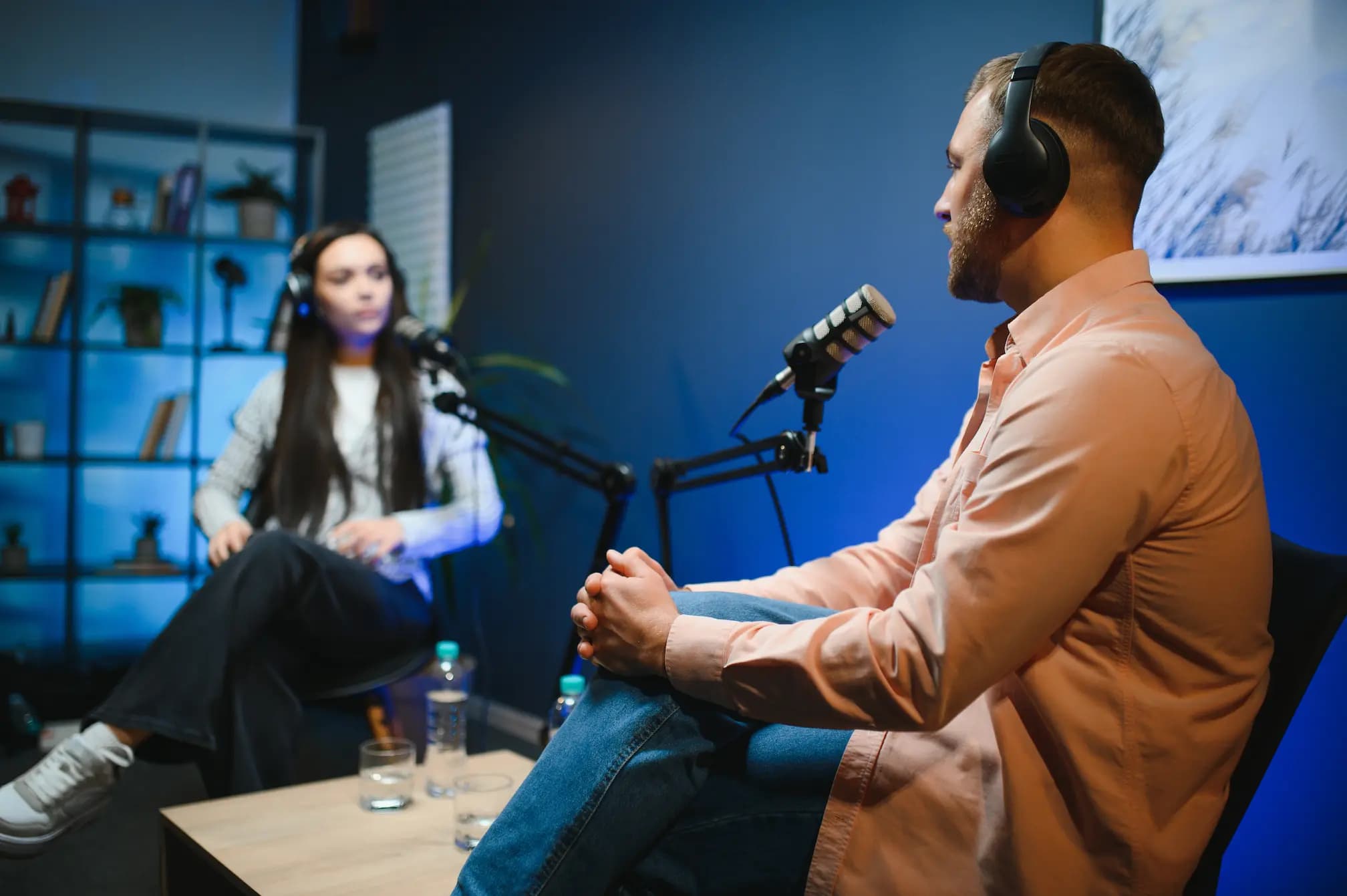
- Record as a video podcast. Use a multi-camera setup with close-ups of each speaker. Frame shots so they can be cropped to 9:16 vertical without cutting off faces. Video gives you every format; audio-only gives you very few.
- Transcribe and timestamp the episode. Generate a full transcript the same day. It is the raw material for your blog post, captions, quotes and threads.
- Build a moment map. Go through the transcript and mark the 8–10 strongest moments with timestamps. Tag each one as a clip, a quote, a carousel idea or a post idea.
- Edit the long-form episode first. Clean up the full episode, add chapters, design the thumbnail and write an SEO-friendly title and description. Publish it on YouTube and podcast platforms.
- Cut the short-form clips. Turn each mapped moment into a 30–90 second vertical clip with burned-in captions, a hook in the first 3 seconds and a clear ending. Remove pauses and filler words.
- Write the text content. Turn the transcript into the blog post, newsletter, LinkedIn posts and X threads. Rewrite for reading, do not just paste the transcript.
- Design the graphics. Create quote cards, carousels and audiograms in your brand colours and fonts so every piece is instantly recognisable.
- Schedule across 3–4 weeks. Release the full episode first, then spread clips and posts over the following weeks. One episode should feed your channels until the next one is ready.
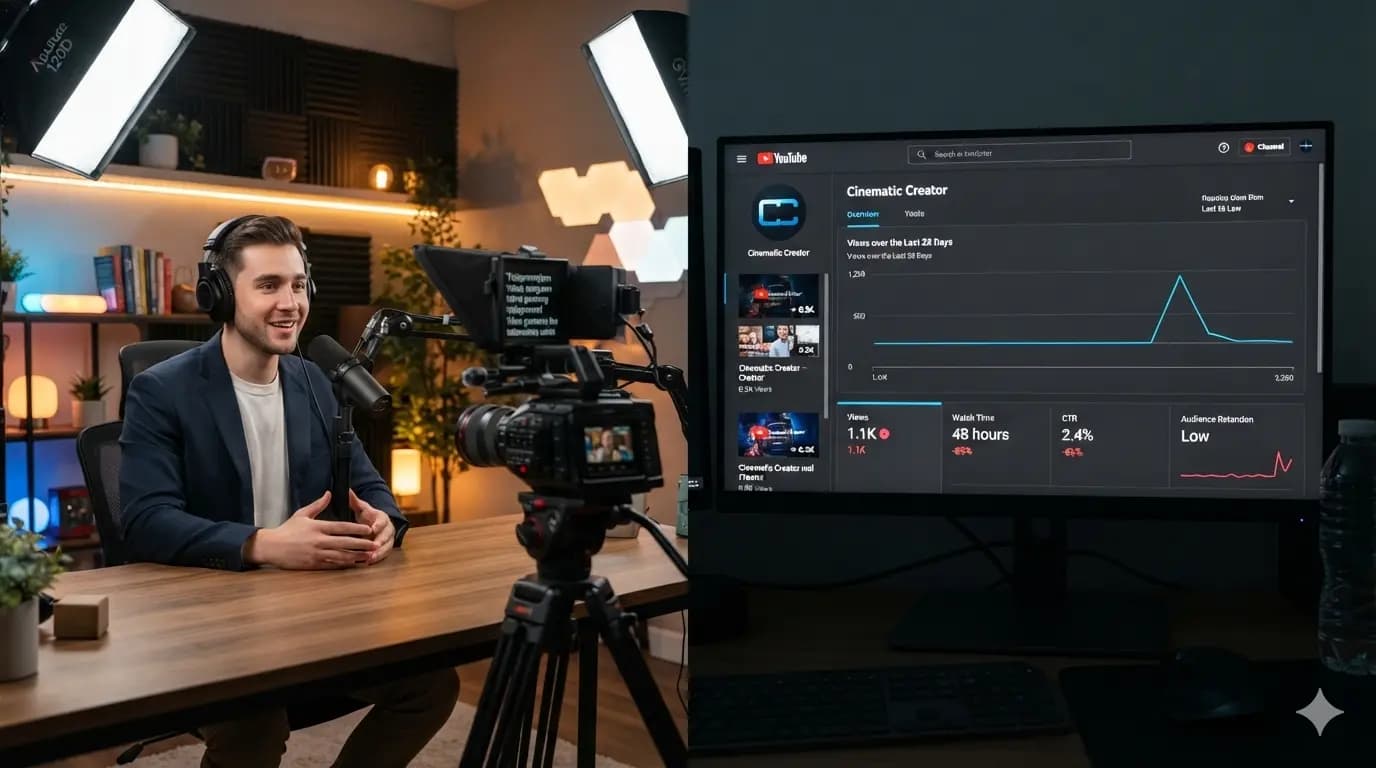
- Measure and feed back. Track which clips get the most watch time, saves and shares. Use those topics and formats to plan the next episode.
Platform-by-Platform Format Guide
The same moment needs a different shape on each platform. Use this as a starting point and adjust based on your own analytics.
| Platform | Best format | Aspect ratio | Ideal length | What works |
|---|---|---|---|---|
| YouTube | Full episode | 16:9 | 30–90 min | Chapters, a clear thumbnail, a searchable title |
| YouTube Shorts | Vertical clip | 9:16 | 30–60 sec | A strong hook and a link to the full episode |
| Instagram Reels | Vertical clip | 9:16 | 30–90 sec | Captions, fast pacing, trending audio only when it fits |
| Instagram feed | Carousel, quote card | 4:5 | 6–10 slides | Saveable frameworks and lists |
| Text post, carousel, clip | 1:1 or 4:5 | 150–300 words | First-person lessons and business insights | |
| TikTok | Vertical clip | 9:16 | 30–90 sec | Raw, story-led moments |
| X | Thread, short clip | 16:9 or 1:1 | 5–8 posts | Clear, numbered takeaways |
| Website blog | Article | – | 1,500+ words | Headings, FAQs, the embedded episode |
| Newsletter | – | 200–400 words | One idea, one link |
6 Podcast Repurposing Mistakes to Avoid
Most repurposed content fails because it is cut, not crafted. Avoid these mistakes:
- Posting the same clip everywhere. A clip that works on Reels may flop on LinkedIn. Change the caption, the hook and sometimes the cut for each platform.
- Clips with no hook. If the first 3 seconds do not give viewers a reason to stay, they scroll. Start with the boldest line, not the introduction. If your content still is not getting views, read why good content gets low views.
- Pasting the transcript as a blog. Spoken language reads badly. Rewrite it with headings, short paragraphs and a clear structure so it ranks and gets read.
- No captions. Most short-form video is watched on mute. Burned-in captions are not optional.
- Publishing everything in one day. Dumping 30 pieces at once wastes the episode. Spread them over 3–4 weeks.
- No path back to the full episode. Every clip, post and carousel should point viewers to the full episode, your profile or your website.
Tools for Podcast Repurposing
You do not need a large tool stack. You need one tool for each job.
| Job | Popular tools |
|---|---|
| Recording | Riverside, a multi-camera studio setup |
| Transcription | Descript, Riverside, Otter |
| Long-form editing | Adobe Premiere Pro, DaVinci Resolve, Final Cut Pro |
| Short-form clips | CapCut, Descript, Opus Clip |
| Graphics and carousels | Canva, Adobe Express, Figma |
| Scheduling | Meta Business Suite, Buffer, Metricool |
| Analytics | YouTube Studio, Instagram Insights, LinkedIn Analytics |
AI clipping tools are useful for finding moments fast, but they cannot judge which moment fits your brand and audience. A human editor should always make the final cut.
How StudioYT Repurposes Podcasts for Brands
At StudioYT, repurposing is built into podcast production in Dubai from day one, not added at the end. Our crew handles the full journey under one roof:
- Strategy: episode purpose, guest planning and a moment map before recording, following Y Theory – Purpose Before Production.
- Production: multi-camera recording in our studio at Business Village, Dubai, or on location.
- Post production: the full episode, short-form clips, captions, thumbnails and graphics.
- Distribution: publishing and scheduling across YouTube, Instagram, LinkedIn and more through our social media management service, with monthly reporting.
Our own show, Simply Pankaj, runs on this exact workflow. It is also why we believe every business needs a video content strategy, not just a camera.
Ready to get more from every episode? Explore our Podcast Production and Social Media Management services, or book a free consultation.
Conclusion
One podcast episode is not one piece of content. It is a month of content waiting to be unlocked. Plan the episode around a clear purpose, record it as video, map the best moments and adapt each one to its platform. Do that consistently, and every hour you spend recording keeps working for weeks.